
663 B
663 B
Setup WiFi via Web UI
How to install this app
- Install and start mos tool
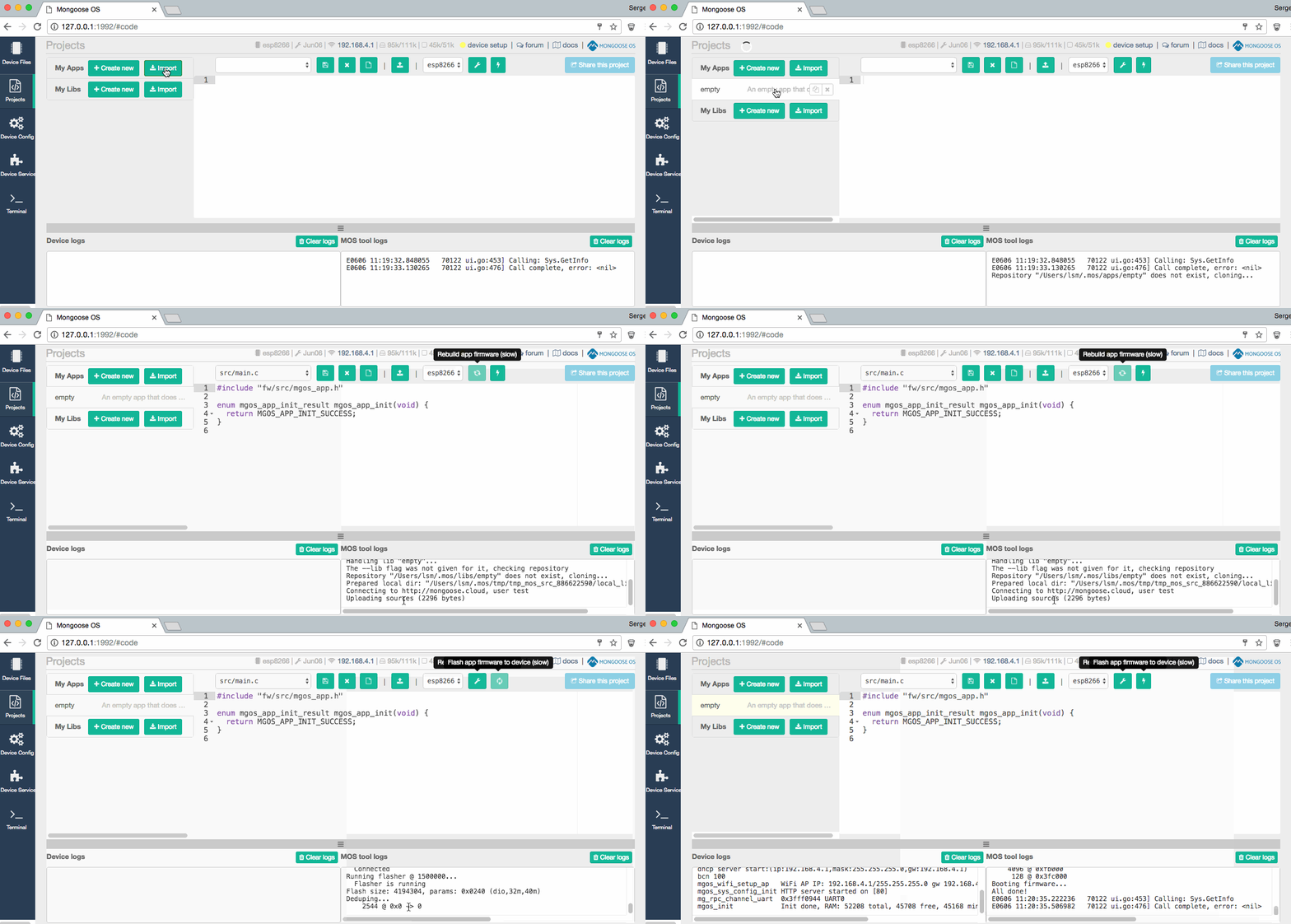
- Switch to the Project page, find and import this app, build and flash it:
Overview
- Do not configure WiFi - leave the module in AP (Access Point mode).
- Mongoose OS starts a WiFi network called
Mongoose_XXXXXXwith passwordMongoose. Switch your workstation to that WiFi network - Point your browser to http://192.168.4.1
- You'll see a simple form to configure WiFi network & password
